
How Teams Collaborate in Plytix
By the Plytix Team · Updated May 14, 2026
TL;DR
- Teams collaborate in Plytix by working on the same product record in one shared workspace, so everyone is updating one source instead of passing versions around.
- One product record: Everyone works from the same “truth,” not five slightly different files.
- Different views, same data: Each team can focus on the fields they care about without breaking consistency.
- Clear ownership: Roles and permissions reduce “who’s responsible for this?” moments.
- Faster approvals: Comments and decisions live next to the product content.
- Fewer fire drills: Fix once, publish everywhere, move on with your day.
The problem collaboration usually creates
Product information is rarely owned by one person. A launch touches marketing copy, ecommerce setup, specs, images, and sales materials. In spreadsheets and scattered tools, collaboration tends to look like:
- “Which version is the final-final one?”
- “Why is the size chart different on the marketplace?”
- “Who changed this field and when?”
- “Can someone please stop overwriting the images folder?”
Plytix avoids that chaos by keeping collaboration anchored to one shared product record.
When collaboration matters most
This setup pays off most when multiple teams depend on the same product information and the cost of misalignment is real.
Launching a product
One team writes, another uploads, someone checks specs, someone attaches images, and everyone needs the same facts. Plytix keeps the work connected to the same record, so launch content doesn’t drift.
Fixing a mistake fast
Wrong size, material, or image goes live. The fix needs to update everywhere without five people patching five places. With one record, your correction has a single home.
Publishing to multiple channels
Shopify needs one format. Marketplaces need another. Retailers want their own fields. The channel requirements change, but the core truth shouldn’t. Plytix keeps the source consistent while supporting channel-specific needs.
Updating images and files
New photos, manuals, certificates, or compliance docs arrive. They should attach to the right products and be reusable across teams. Keeping assets connected to the product record prevents “where did we put that PDF?” déjà vu.
Working in multiple languages or regions
The product stays the same, but copy and requirements change by market. Teams need to know what’s approved for which region, without guessing.
Everyone looks at the same product, just from different angles
In Plytix, collaboration works because teams can contribute without stepping on each other.
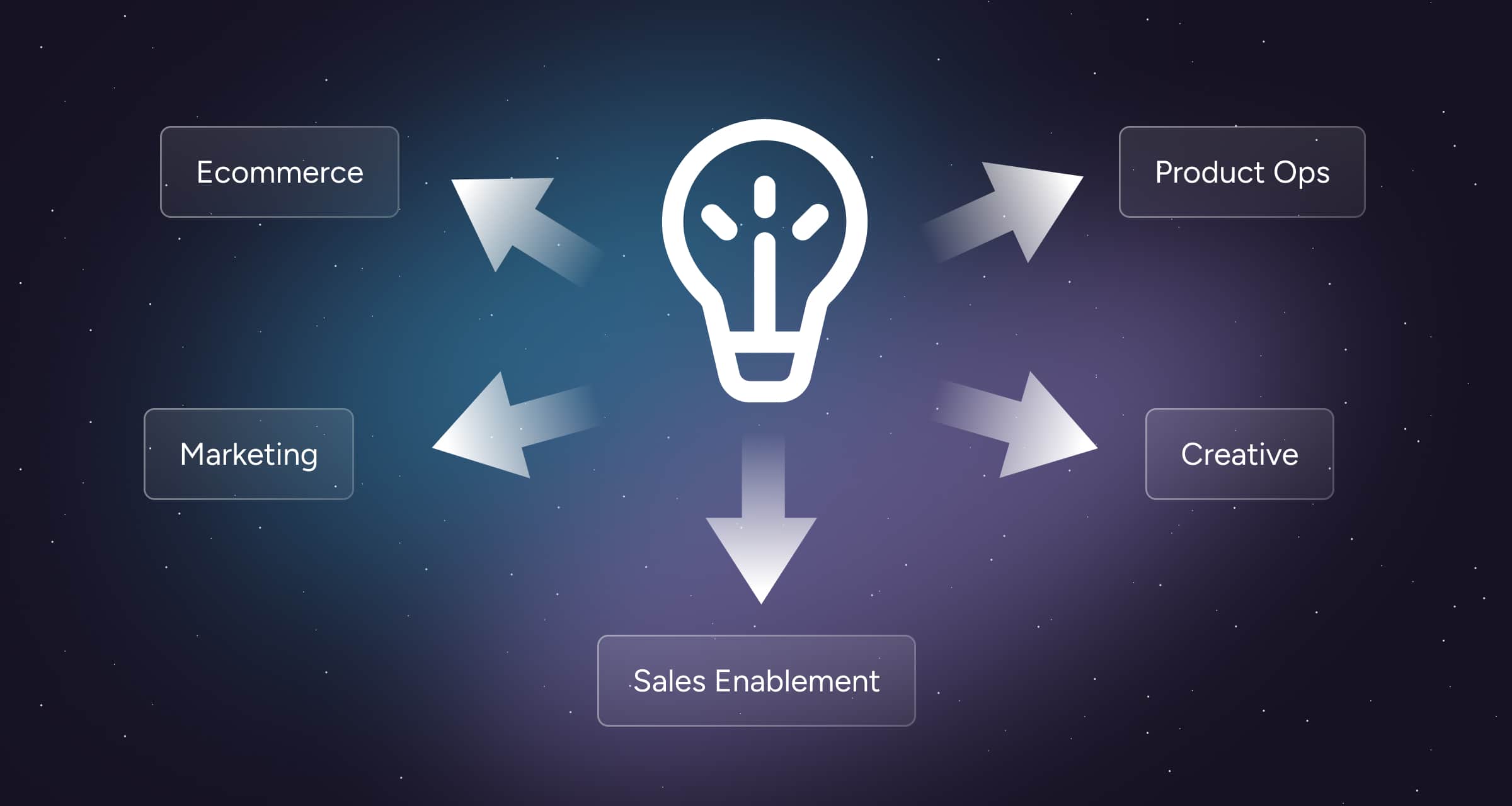
Table Views
Each team can focus on the fields that matter to them without changing the underlying record. Marketing can live in titles and descriptions. Ops can live in specs. Ecommerce can live in channel fields. Same product. Different lenses.
User Roles
You can assign user roles in Plytix so everyone knows what they own and what they can edit, so reviews and approvals don’t become a game of Slack tag tennis.
Attribute-level permissions
Not everyone should be able to edit everything. Attribute permissions control who can edit specific fields, so your technical specs don’t accidentally become “vibes-based.”
Team comments
You can comment directly on product information in Plytix to ask questions or approve updates. Questions and decisions stay next to the content itself. Instead of hunting through email threads and chat history, the “why” lives where the work happens.
The result
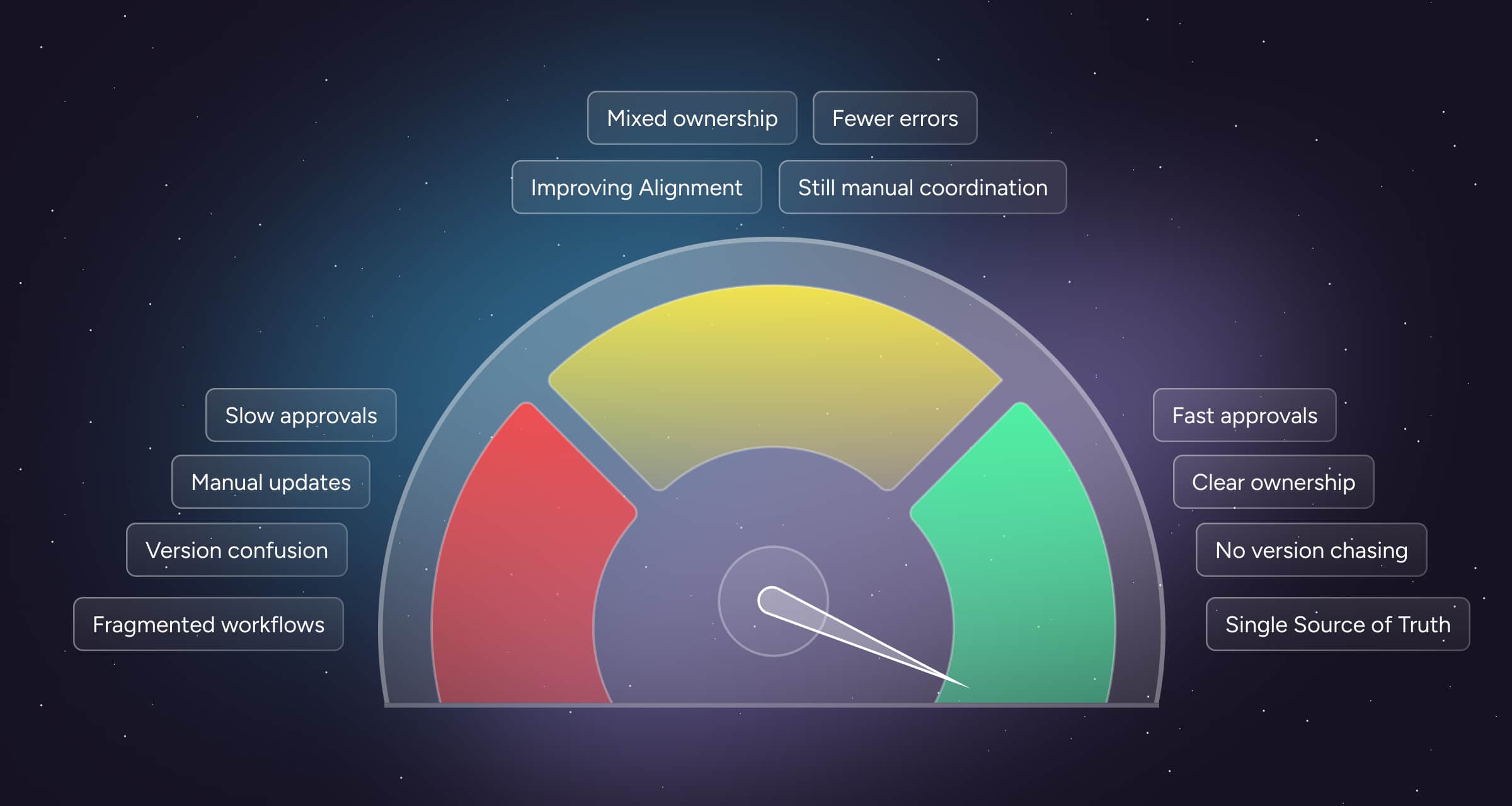
You get clearer ownership, faster approvals, and fewer last-minute channel fire drills when it’s time to publish. Everyone moves faster because they’re no longer spending time proving what’s true.
Frequently Asked Questions
It means there’s a single place where the product’s truth lives. Teams can view and work on different parts of it, but they’re not creating separate copies that drift over time.
Yes. Teams can use different views for focus, plus roles and attribute-level permissions to prevent accidental edits to fields they don’t own.
By keeping collaboration anchored to one source and controlling who can edit what. When something needs fixing, you update it once where it lives, then publish from the same record.
Right next to the product content. Comments keep decisions, clarifications, and context attached to the record, so your team isn’t reconstructing history later.
You typically don’t need different products. You need one truth, plus the ability to map and format it for different channels. The source stays consistent even when outputs vary.
You can keep one underlying product while managing market-specific copy and requirements. The key benefit is visibility into what’s approved and ready per market, without losing control of the core data.
No. Small teams benefit too, because “collaboration” still happens. It just looks like one person wearing five hats and trying to remember which hat updated which spreadsheet.