
What Is Plytix Shopify Content Manager?
By the Plytix Team · Updated May 14, 2026
TL;DR
- The Plytix Shopify Content Manager is an AI-powered bulk editor built for Shopify merchants managing multiple stores, markets, languages, or large catalogs.
- It is especially useful when your team is repeating the same product updates across stores, markets, or regions and standard Shopify editing tools are no longer enough.
- Most Shopify bulk editing apps help with one store or one editing task at a time, such as changing text, tags, prices, or metafields in bulk.
- Plytix Shopify Content Manager stands out because it combines smarter bulk editing, AI-powered content and image enhancement, and multi-store sync so teams can manage Shopify product content from one shared workflow.
Shopify Content Manager: Jobs to Be Done
| Feature | Standard Bulk Editing Apps | Plytix Shopify Content Manager |
|---|---|---|
| Multi-store Updates | Edit each store separately | Manage multiple stores and regions from one view |
| Text & Media | Usually text-focused only | Bulk-edit product content and assets in one workflow |
| AI Integration | Rarely included natively | Generate descriptions, improve SEO fields, translate content, and optimize images in bulk with built-in AI |
| Metafield Management | Basic bulk edits | Map any PIM attribute directly to Shopify Metafields |
| Rule-based Logic | Manual selection and filtering | Use Attribute Transformations for automated rules |
| Team Collaboration | Minimal permissions or history. Teams often cannot work on product content at the same time without risking overlap or errors. | Assign roles, leave comments, track changes, and let teams work from one shared product content workflow. |
What is a Shopify Product Editing Tool and why you may need one
A Shopify product editing tool helps teams update product information in bulk. That can include titles, descriptions, variants, images, metafields, pricing, and other product fields.
These tools become useful when product editing stops being a one-off task and becomes an ongoing operational job.
You may need a specialized tool if you:
- Manage multiple stores or Shopify markets and keep repeating the same updates
- Frequently make large-scale changes such as launches, promotions, seasonal updates, or price changes
- Need multiple team members to work on product content, reviews, and approvals without overwriting each other’s work
- Want more consistent product information across stores, regions, and sales channels
What most Shopify Bulk Editing Apps offer
Most Shopify bulk editing apps are designed to make common updates faster inside a single store.
Common features usually include bulk editing, scheduled changes, spreadsheet-style workflows, and simple undo functionality. For many teams, that is helpful.
But most of these tools are still built around one store or one editing task at a time.
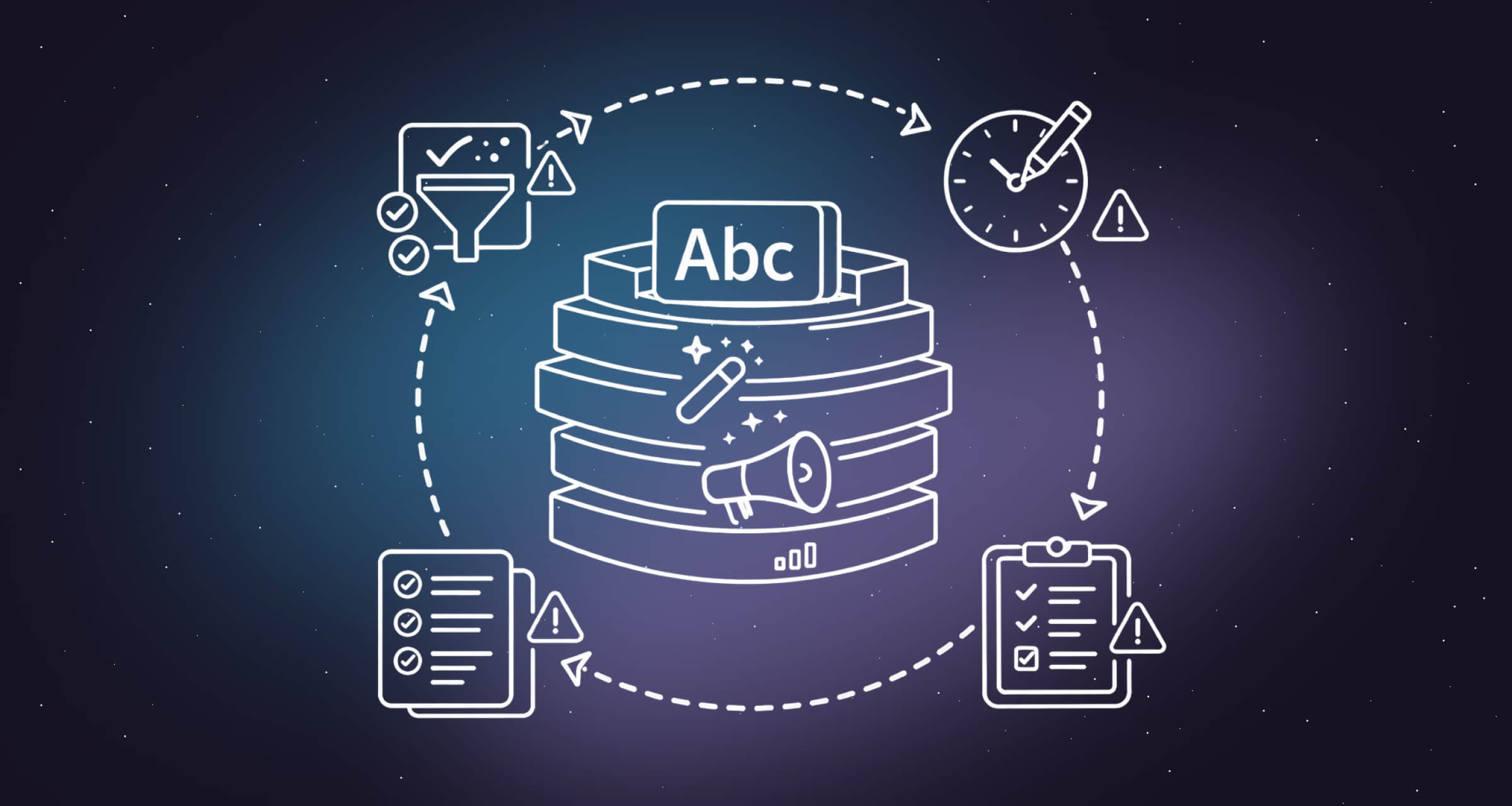
That means if you manage several Shopify stores, multiple regional storefronts, or localized catalogs, the work often multiplies quickly. Teams end up repeating the same filtering, editing, and validation steps for every store or market.
You also often need separate tools, spreadsheets, or handoffs for different jobs, such as text changes, media edits, SEO updates, AI generation, and approvals. So while these apps can save time in one part of the workflow, they often create more operational overhead as your setup grows.
Why Shopify product data can become limiting as you grow
Shopify is a strong ecommerce platform, but it is not always the best place to manage every version of your product content.
As your team starts selling across multiple stores, markets, languages, marketplaces, or ad channels, each destination may need different titles, descriptions, attributes, images, SEO fields, or localized content. If Shopify is the only place where product data lives, your team may be limited by the data structure and content already stored there.
Plytix gives Shopify teams a richer product content layer. You can manage product data, assets, variants, metafields, translations, AI content, and channel-specific versions in one place, then sync the right content back to Shopify.
How Plytix improves Shopify product content management
Plytix takes a broader approach than a standard Shopify bulk editing app.
It is built for Shopify teams that need smarter bulk editing across multiple stores, markets, and content workflows. Instead of treating every store as a separate editing job, Plytix helps teams manage product content from one shared system and sync it where it needs to go.
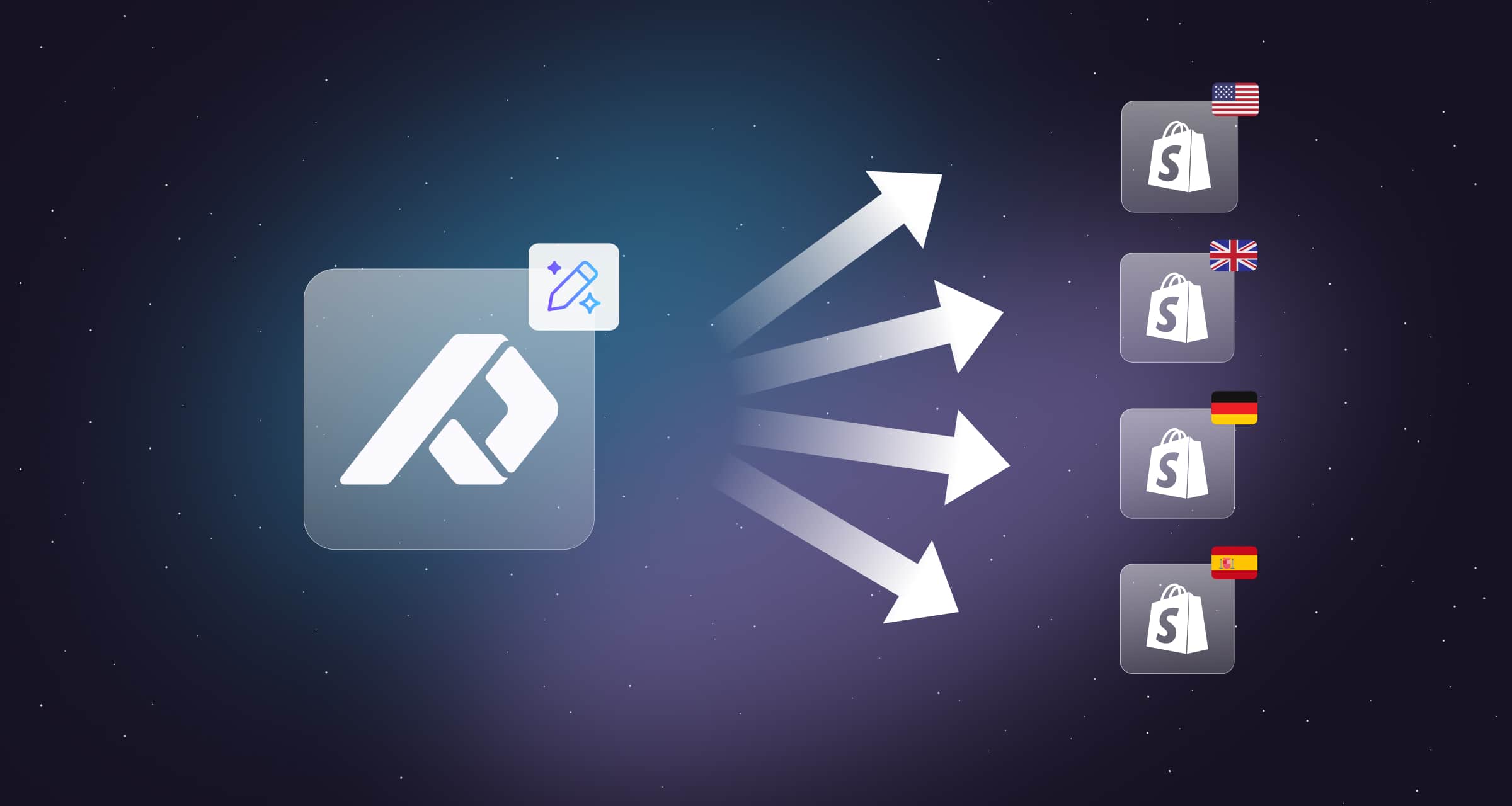
Single Source of Truth: Update product content once and sync those changes across connected Shopify stores and markets.
Native Shopify Integration: Sync directly with Shopify through Plytix’s official app instead of relying on repeated manual imports or separate editing workflows.
Shopify Markets Support: Prepare localized product content, translations, and market-specific updates from one central workflow before syncing them to Shopify.
Integrated Enrichment: Run bulk edits, AI-powered transformations, and completeness checks in the same workflow so products are more consistent before they go live.
AI-Powered Tools: Generate product copy, improve SEO fields, support translations, upscale images, adjust backgrounds, improve lighting, and prepare more polished product content before syncing it to Shopify.
Is Plytix the right fit for you?
Plytix is built for Shopify merchants whose product editing needs go beyond simple one-store bulk changes.
It is especially relevant if you are a multi-store or international brand selling across multiple Shopify stores, markets, or languages and want a smarter way to manage product content at scale.
It is also a strong fit for high-growth teams that update products frequently and want to combine bulk editing, AI, and multi-store sync in one workflow instead of piecing together several separate apps.
Frequently Asked Questions
Yes. Plytix is built for teams managing multiple Shopify stores, regions, and markets from one central workspace.This is the answer
No. The Shopify add-on is included with all Plytix plans at no additional cost.
The Magic Importer lets you import your existing Shopify products, attributes, and metafields into Plytix with a single click, which reduces manual setup.
Yes. Plytix AI helps teams improve Shopify listings in bulk, from product copy to product visuals. You can generate descriptions, improve SEO fields, support translations, upscale images, adjust backgrounds, and improve lighting before syncing content to Shopify.
Yes. Shopify now has native AI tools that can help merchants create and edit product content inside Shopify. But those tools are still centered around Shopify.
Plytix is built for teams that need to manage product content across multiple stores, markets, languages, teams, and channels. So the difference is not just AI. It is where the product content work needs to happen.
Yes. Plytix lets teams map PIM attributes directly to Shopify metafields, so product data stays structured, consistent, and easier to manage across stores, markets, and content workflows.