
Why Data Mapping Matters in a PIM
By the Plytix Team · Updated May 15, 2026
TL;DR
- What it is: Product data mapping is the process of deciding which pieces of product data from your existing systems should go into which fields in your PIM.
- Why it matters: It helps your product data land in the right place, in the right format, with the right meaning.
- Why it matters during implementation: Without it, imports get messy, attributes multiply, and teams end up cleaning up problems later.
What is Product Data Mapping in a PIM?
Data mapping is the step where you match the product data you already have to the structure you want inside your PIM.
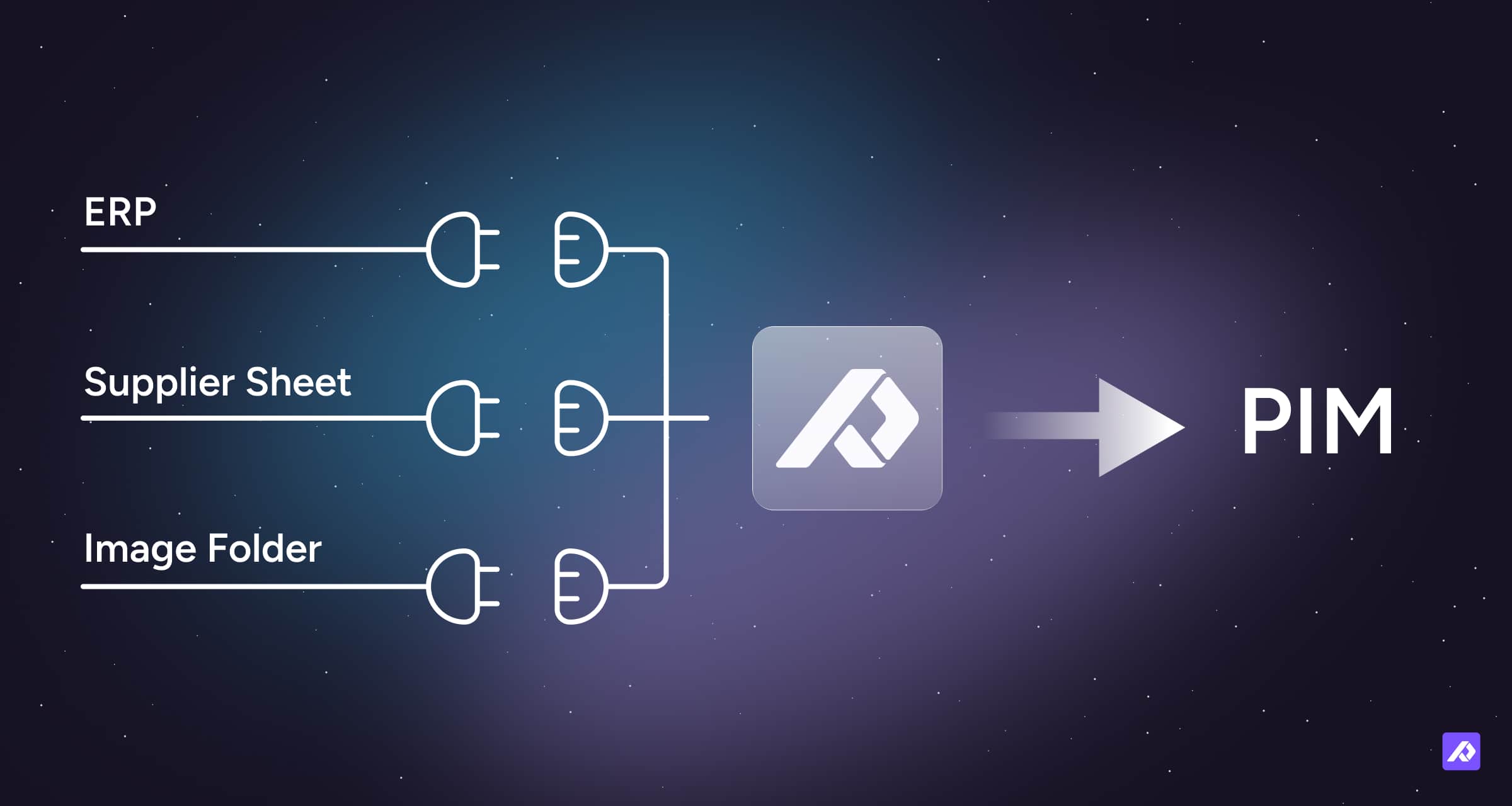
That usually means connecting fields from spreadsheets, supplier files, ERP systems, ecommerce platforms, or other tools to the right attributes in your PIM.
For example:
- a spreadsheet column called Product Color might map to a PIM attribute called Color
- an ERP field called ITEM_DESC_LONG might map to Marketing Description
- a supplier field called Fabric might map to Material
In simple terms, data mapping is how you decide what goes where.
Why Data Mapping Matters Before You Import Anything
When companies implement a PIM, it is tempting to think the main job is just getting the data into the system.
But importing data is not the same as organizing it.
A PIM works best when product information is clean, consistent, and structured in a way that makes sense for your business. Data mapping is what helps you get there.
It forces you to answer practical questions like:
- Which field in our source data should fill this attribute in the PIM?
- Do these two fields mean the same thing, or are they different?
- Which system is the source of truth for this information?
- Are values formatted consistently?
- Are we bringing in useful data, or just old clutter?
Without that step, you are not really implementing a clean PIM. You are just moving messy data into a new home.
A Simple Example of Data Mapping
Imagine you are implementing a PIM and your product information is spread across three places:
- an ERP
- a supplier spreadsheet
- a folder of product images
Your PIM has attributes like:
- SKU
- Product Title
- Description
- Color
- Material
- Main Image
Now you need to decide things like:
| Source | Original Field | PIM Attribute |
|---|---|---|
| ERP | Item No. | SKU |
| ERP | ITEM_DESC_LONG | Description |
| Supplier sheet | Product Name | Product Title |
| Supplier sheet | Fabric | Material |
| Supplier sheet | Colour | Color |
| Image folder / URL | Main image file | Main Image |
That matching process is data mapping.
It sounds simple, but it is one of the most important parts of implementation. It determines whether your data enters the PIM in a way that is usable or confusing.
Where Data Mapping Happens
In a PIM, mapping usually happens in two main places.
Import Mapping
Import mapping is how data gets into your PIM.
It connects fields from your source file or system to the attributes inside your PIM so each value lands in the correct place.
For example, your ERP might call a field ITEM_DESC_LONG, while your PIM uses Marketing Description. Import mapping connects the two so the data imports correctly.
In Plytix, you can save this setup in an Import Profile so future imports follow the same structure automatically.
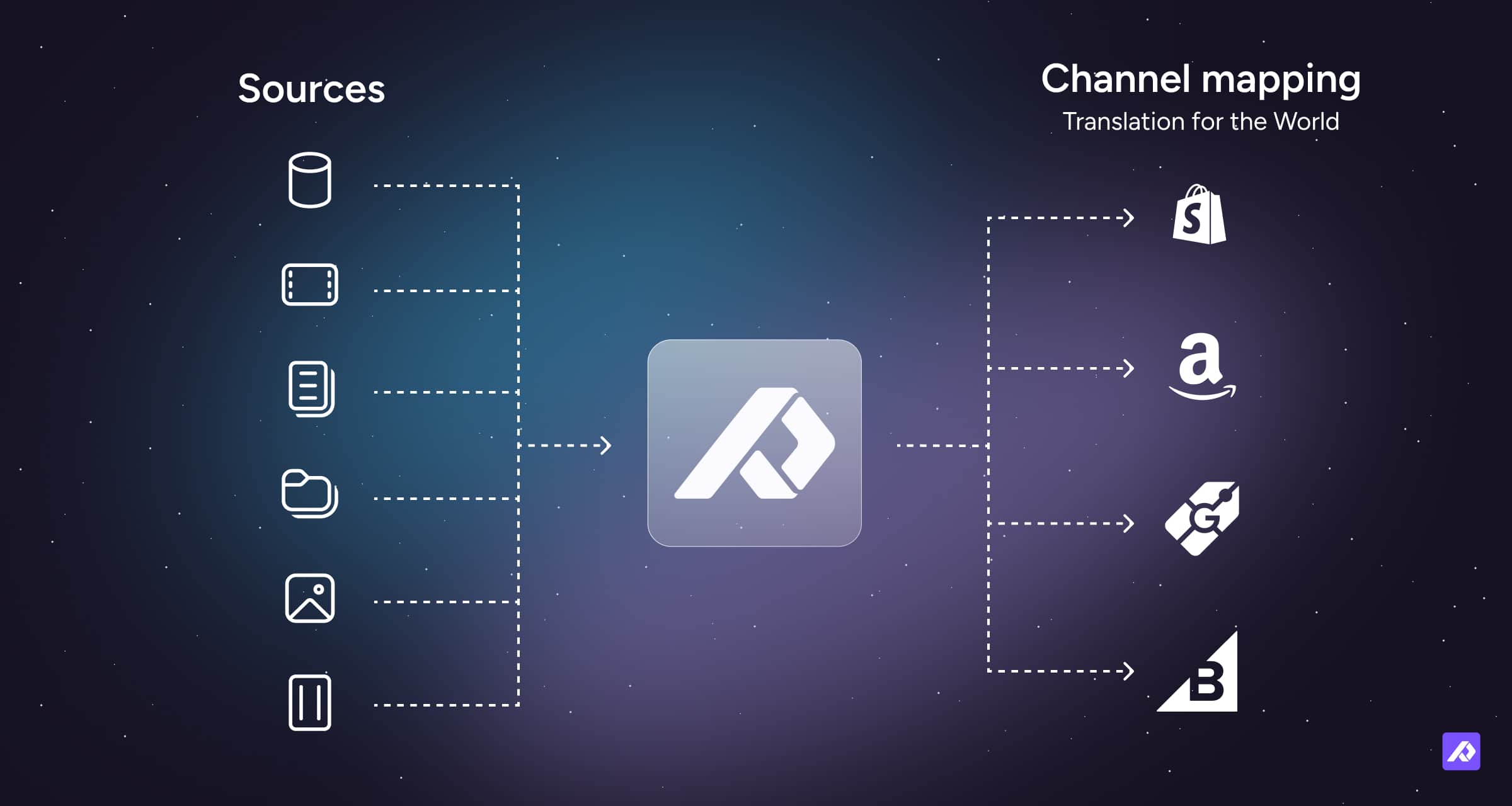
Channel Mapping
Channel mapping is how data leaves your PIM.
Each sales channel, retailer, marketplace, or storefront has its own required fields. Channel mapping tells the PIM which internal attributes should populate those external fields.
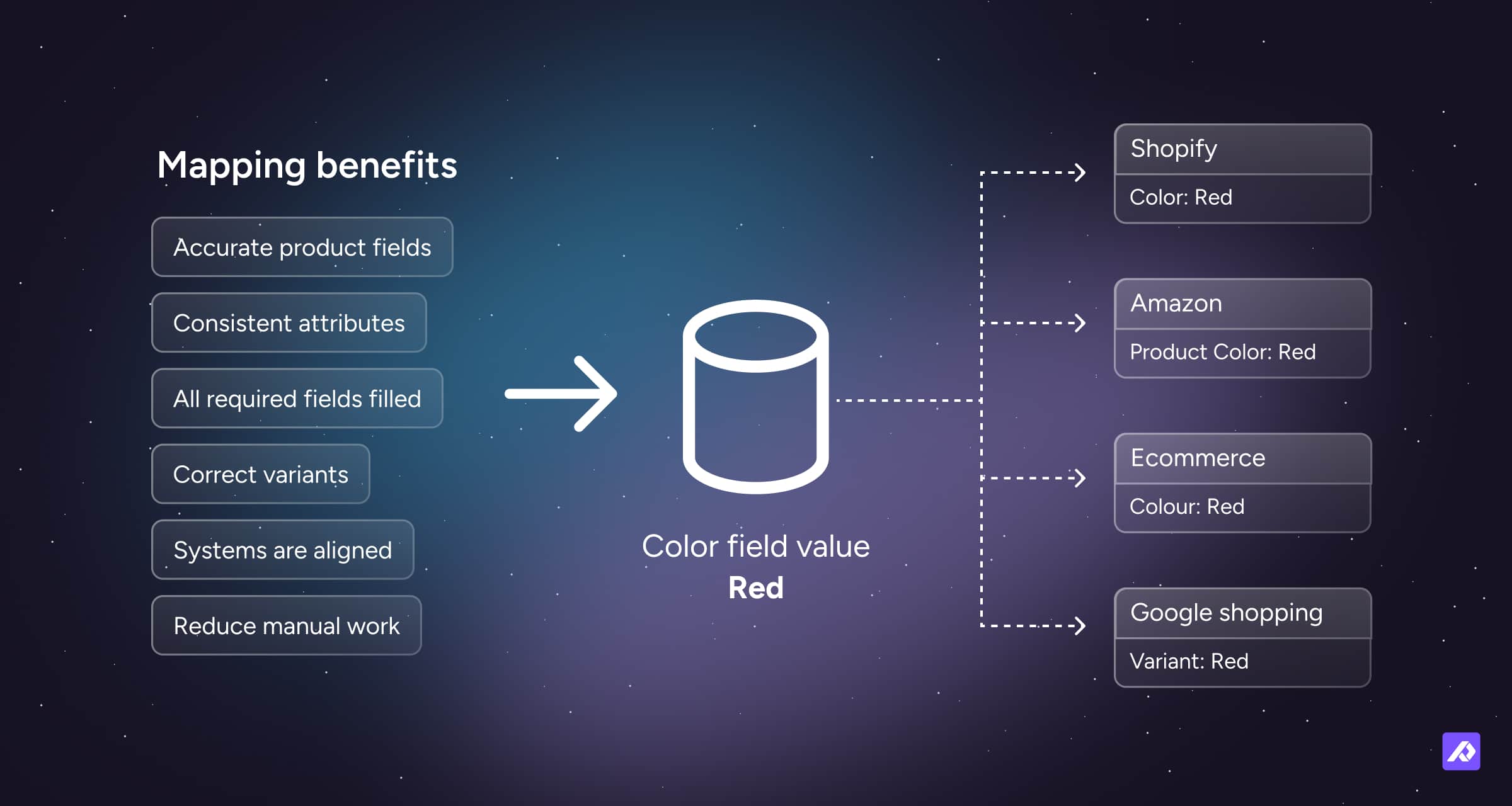
For example, your PIM attribute Product Name might be used as:
- Title in Shopify
- Product Title in Amazon
- Header in a Brand Portal
The underlying product data stays the same. The mapping just changes how it is connected for each destination.
Mapping Is Not Always One-to-One
Sometimes mapping is simple. One source field goes straight into one PIM attribute.
But sometimes the data needs a little cleanup or reshaping along the way.
For example, you might:
- combine Brand + Product Name into one export field
- increase a price before sending it to a partner
- remove HTML from a description
- resize an image for a specific channel
- standardize values like Navy, navy blue, and NVY into one consistent format
So mapping is not only about connecting fields. It is also about making sure the data fits the way it needs to.
What Happens If You Skip This Step
You may end up with:
- product names in the wrong fields
- duplicate attributes that mean almost the same thing
- inconsistent values across products
- missing required fields for certain channels
- broken variants
- extra manual cleanup after import
- confusion about which system owns which data
This is why data mapping matters so much during implementation. It is easier to make these decisions upfront than to fix them after thousands of products are already in the system.
Why Mapping Is Important
Keeps Data Accurate
Good mapping helps make sure product information ends up in the right place. That reduces mistakes and keeps your catalog more consistent.
Enables Automation
Once mappings are set up, they can usually be reused. That means less manual rework every time data is imported, updated, or exported.
Supports Growth
As you add new channels, storefronts, or partners, mapping helps you connect the same core product data to different requirements without rebuilding everything from scratch.
Helps With Localization
Mapping also helps you send the right language or market-specific content to the right destination.
For example:
- French descriptions to a French storefront
- English descriptions to UK and US channels
This keeps localized content organized without forcing you to manage it in separate places.
Mapping Challenges and Best Practices
| Challenge | Why it matters | How to handle it |
|---|---|---|
| Unexpected field placements | Data ends up in the wrong place | Review mappings carefully before large imports |
| Missing required attributes | Products may fail to publish or export correctly | Check channel requirements before exporting |
| Duplicate or overlapping attributes | Teams get confused about where to store information | Use clear naming conventions and merge duplicates |
| Inconsistent values | Filters, exports, and automation become unreliable | Standardize values before or during mapping |
| Scaling to new channels | Errors multiply as complexity grows | Test with a small dataset first, then review regularly |
Final Thought
Data mapping is one of the most important setup steps in a PIM implementation.
It is the process that helps turn scattered product data into structured product information your PIM can actually use.
When mapping is done well, imports are cleaner, exports are easier, and your product data is much easier to manage over time.
When it is rushed or skipped, the problems usually show up later as confusion, rework, and inconsistent data across systems and channels.
Frequently Asked Questions
No. Once an import profile is saved, the mapping can usually be reused for future imports with the same structure.
Yes. One PIM attribute can be connected to different fields across different channels.
Usually, yes. Each platform has its own field requirements, so mappings are normally configured per channel.
Yes. In Plytix, you can apply attribute transformations within each channel, including default values or conditional logic, to adjust data on export without changing the original values stored in your PIM.